.svg)
What we learned deploying AI agents across three production environments

.png)
Everyone's building AI agent demos. We're deploying autonomous systems across multiple production environments and discovering the patterns that separate prototypes from systems that actually ship.
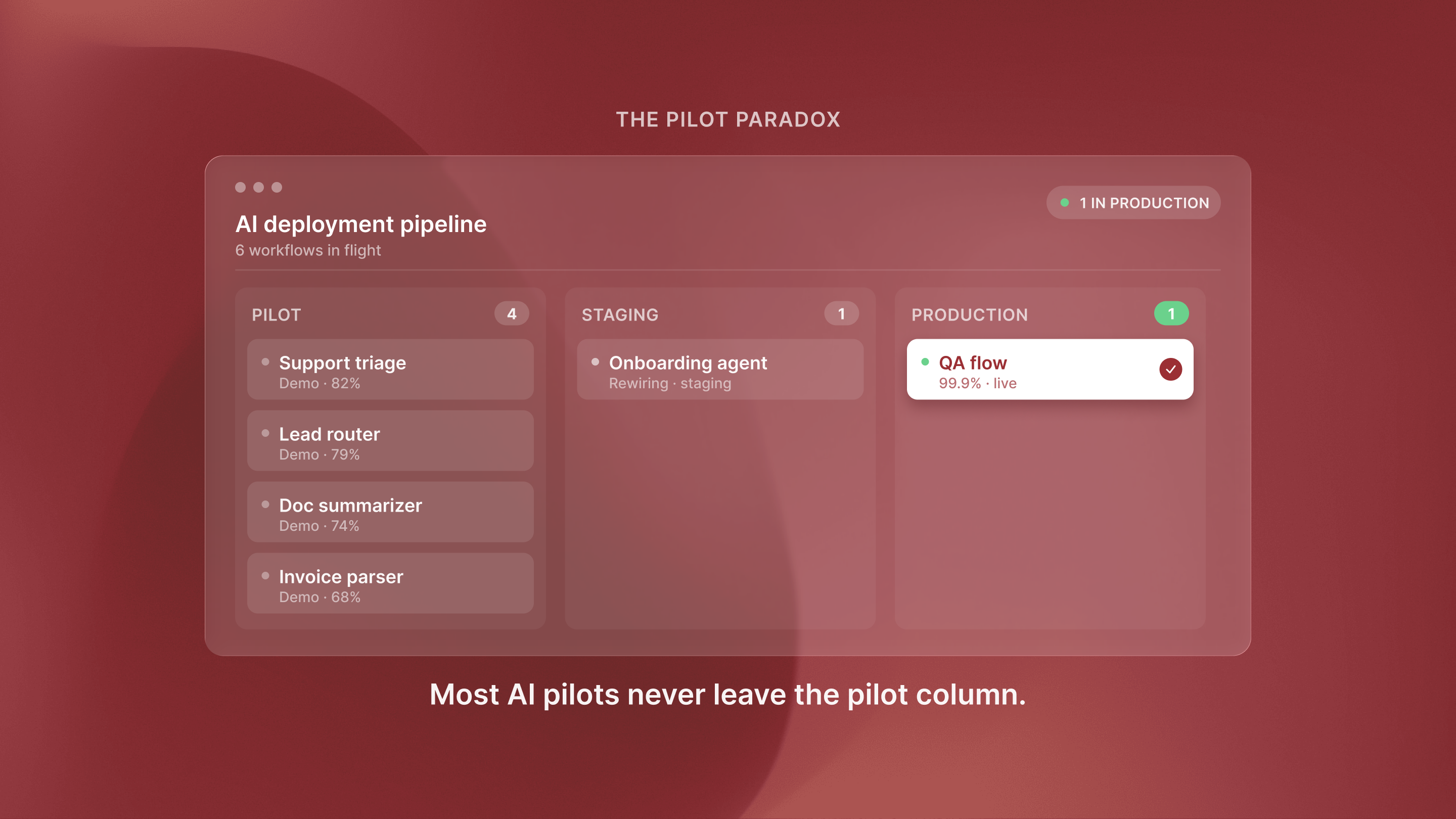
With 57% of companies now using agents in production, the market has moved on. It is no longer "should we build agents?" Now it is "how do we deploy them correctly?" But most content focuses on demos and prototypes, not orchestration patterns, failure modes, or key architecture choices. These factors decide if an agent ships in weeks or stalls for months.
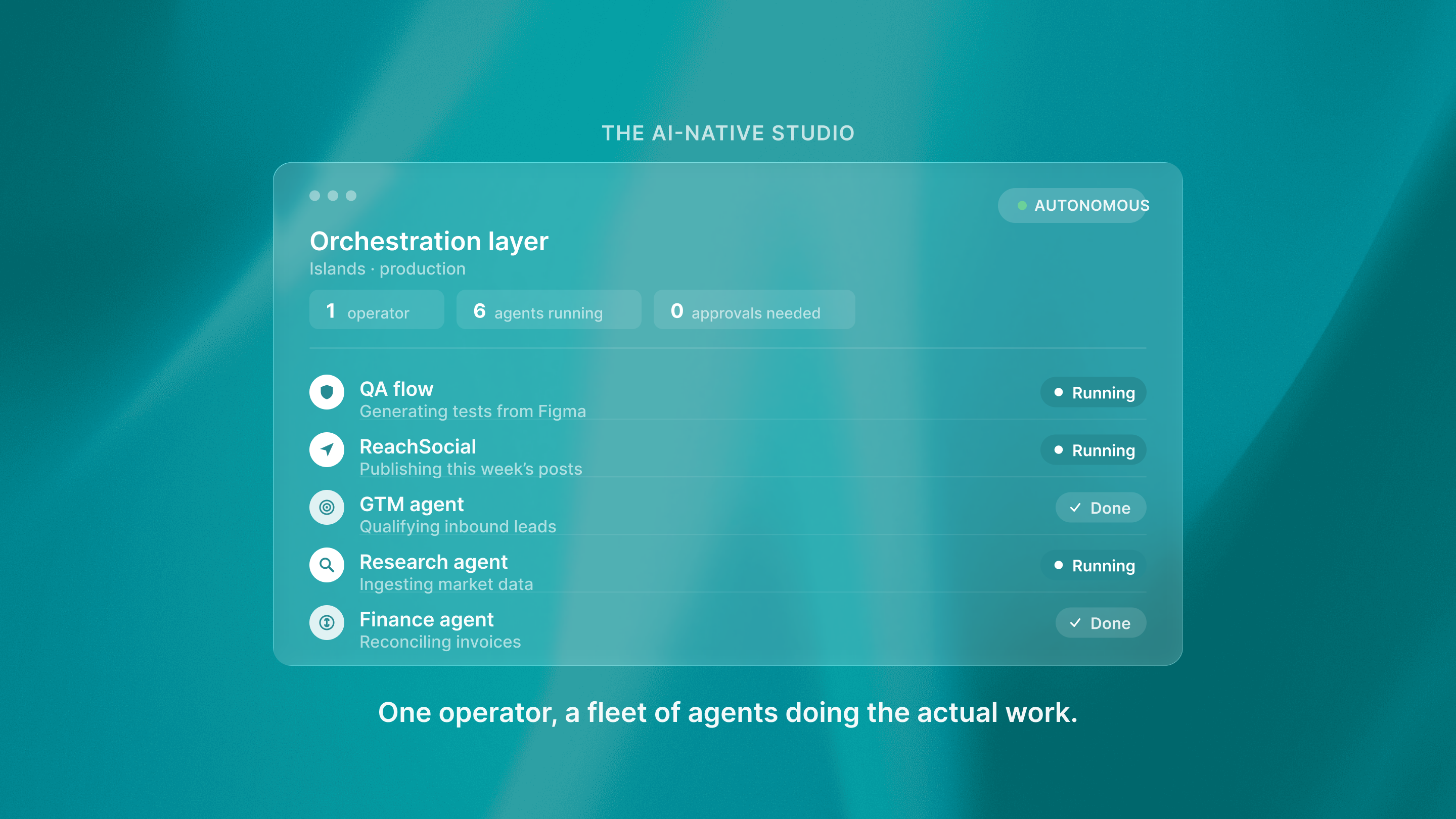
As a studio, we support multiple portfolio companies running production agents. These include QA flow for automated testing. They also include ReachSocial to manage LinkedIn engagement. They include Shoreline to monitor contracts. We have faced the same core challenges many times and found reusable patterns.
Customer service and research dominate, but architecture determines success
Customer service was the most common agent use case at 26.5%. Research and data analysis followed at 24.4%. This data comes from LangChain's State of AI Agents Report 2025. These workflows share a key trait: they need an AI-first workflow design from day one. They do not add AI onto old processes. The teams that ship fastest architect for autonomy upfront, defining clear handoff points between human and agent responsibilities.
When QA flow built autonomous testing, we did not improve manual QA workflows. We replaced them with agents. These agents create test cases from Figma designs and run the tests on their own. That design choice, made before writing any code, set our 8-week deployment timeline, instead of 12+ months.
Enterprise deployment patterns differ from startup approaches
Organizations with over 10,000 employees have 67% of agents in production. LangChain's 2025 report says companies with under 100 employees have 50%. This gap exists because larger organizations achieve higher production rates through structured governance and reusable orchestration patterns. The pattern that works: start with one high-volume workflow. Prove ROI with clear metrics. Then scale the same orchestration setup to nearby use cases.
ReachSocial did this by using LinkedIn engagement automation for one campaign type first. They validated the orchestration layer using Temporal and PostgreSQL for state management. Then they expanded to multi-campaign workflows using the same foundation.
Teams that deploy many agent use cases at once, without proven patterns, spend months fixing orchestration issues that could be solved once and reused.
Security, compliance, and auditability are non-negotiable from day one
75% of tech leaders rank security, compliance, and auditability as top needs for agent deployment, based on KPMG's Q4 2026 AI Pulse Survey. Here's what we learned the hard way: these requirements cannot be bolted on after the fact. When Shoreline built contract monitoring agents, we added full logging in Datadog and audit trails in PostgreSQL from the first sprint. Every agent action, every decision point, every human override gets logged with full context. Teams that treat security as a later concern often must rebuild their orchestration layer. Enterprise customers demand audit trails. This isn't paranoia — it's production reality. Agent failures should be easy to debug. Decision paths should be easy to explain. Compliance teams need proof that agents follow the defined guardrails.
Reusable orchestration patterns accelerate every deployment
Portfolio deployments across QA flow, ReachSocial, and Shoreline revealed common architectural patterns that reduced implementation time by 40-60%. The pattern stack includes Temporal for workflow orchestration, PostgreSQL for state management, and structured logging for debugging, along with explicit human-in-the-loop hooks for graceful degradation. Teams starting from scratch often repeat mistakes we have already fixed. They hit race conditions in state updates, miss timeout cases, and forget rollback logic when agents take actions they cannot undo. We built these patterns once and reused them across all three deployments.
The production gap is where most projects fail
The gap between prototype and production is where most agent projects fail. Planning for autonomy, monitoring, and graceful degradation separates successful deployments from stalled pilots. Cross-company analysis shows teams that start with production-ready architecture ship 3 to 4 times faster, using Temporal for orchestration, PostgreSQL for state, and comprehensive logging. Teams that build demos first and retrofit later ship much slower. The difference isn't technical sophistication — it's treating production requirements as architecture decisions, not later-stage concerns. When you plan for monitoring, error handling, and human oversight from day one, you build systems that can improve fast. When you start with a demo and try to make it production-ready, you're rewriting from scratch while competitors ship working systems.
.png)
Companies that deploy agents as one-off projects may waste 12 to 18 months repeating mistakes that others have already solved. The winners will be teams that use proven orchestration patterns, plan for production from day one, and ship working systems in weeks while competitors are still gathering requirements. In 2026, the key difference isn't between companies with agents and those without — it is between companies with production-ready autonomous systems and those stuck with fragile prototypes. The patterns exist.
The question is whether you'll learn from others' deployments or repeat their failures.
Success Stories
Read more


.svg)
